EXAMPLE 2: Workflow with for-each loop and call of another workflow
The following workflow is provided here to demonstrate the looping mechanism and the ability to call one workflow from another.
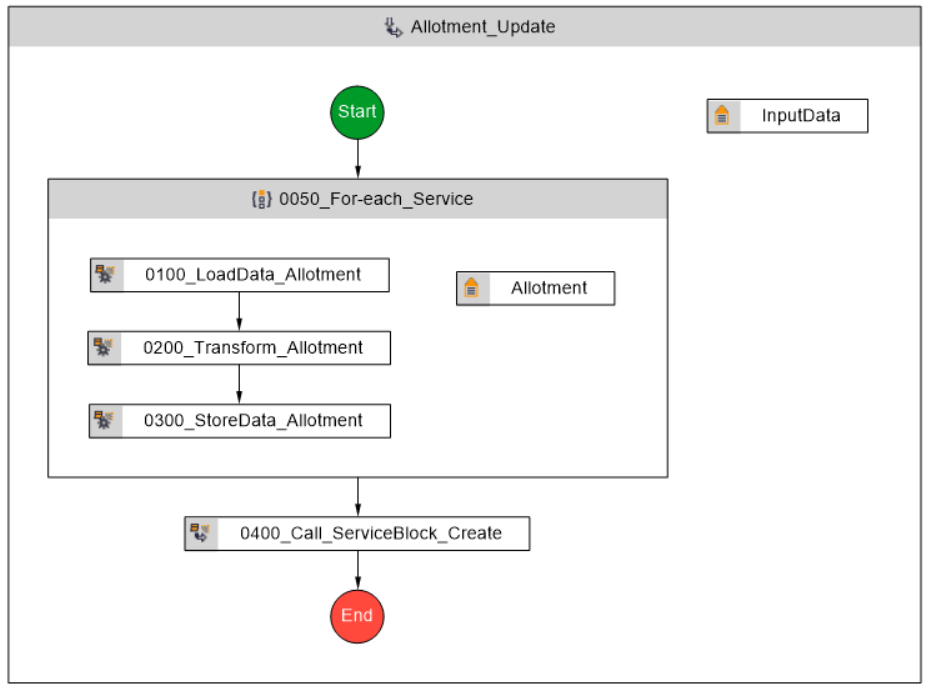
Here is what the entire workflow looks like:
For-each loop
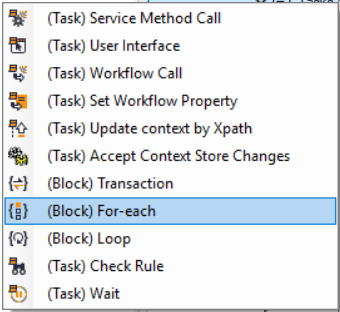
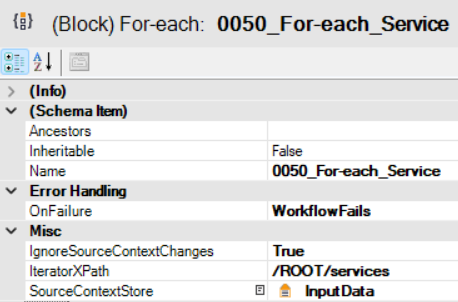
The for-each command – (Block) For-each – is used for the loop here. It executes a sequence for each occurrence of a specific element in the data; in this example, individual elements in ROOT/services (IteratorXPath property). That is, for each record there, the entire Load / Transform / Store sequence listed in steps 0100 through 0300 is performed.
Context Store of the Loop
It is also worth noting that this loop first retrieves data from the “external” context store InputData and then uses its own “internal” context store, named Allotment, during its execution. This context store is therefore intended only for this specific block.
Calling Another Workflow
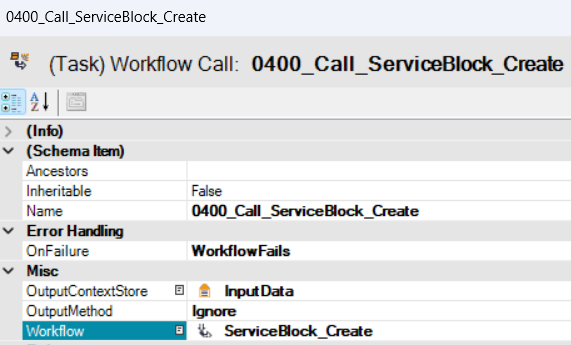
In step 0400, the workflow calls another workflow, which is a Workflow call (Task) type, and subsequently passes the necessary data to it via the OutputContextStore. The output has no further use within this workflow, so the Output Method is set to Ignore.
Workflow overview
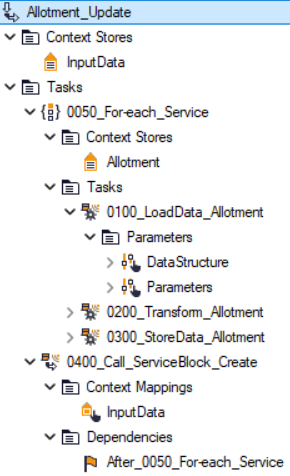
Here is how the workflow may look like in the model browser: