Another tool you can use is DBeaver Universal Database Tool, which is free in the Community Edition. You can install a desktop app on your computer or use a web interface by running it in a Docker container.
To run CloudBeaver – the version in a Docker container with a browser interface – run the following command in your terminal:
docker run -d -p 8080:8978 --name dbeaver dbeaver/cloudbeaver
This will create and start a container named “dbeaver” with CloudBeaver running inside it.
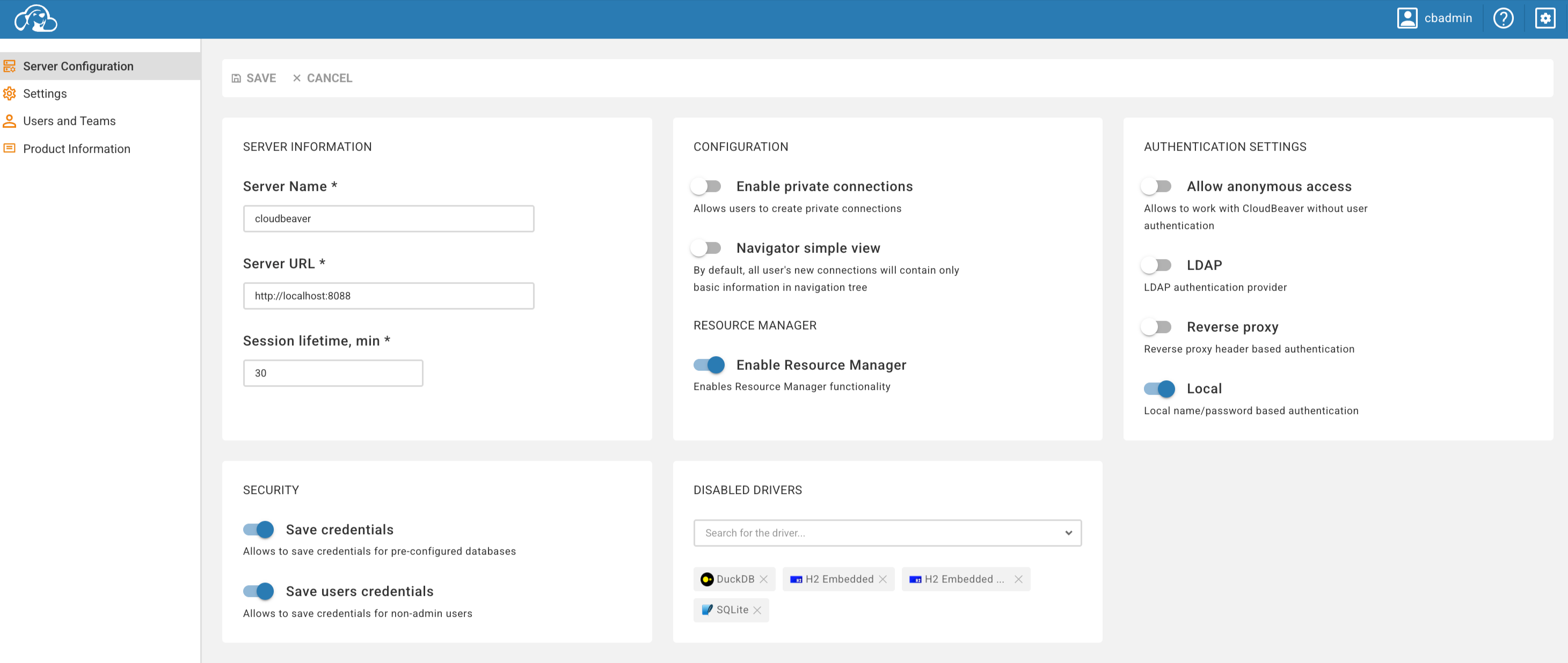
Then go to localhost:8080 in your browser and configure your server:
After that, you can connect to your database server:
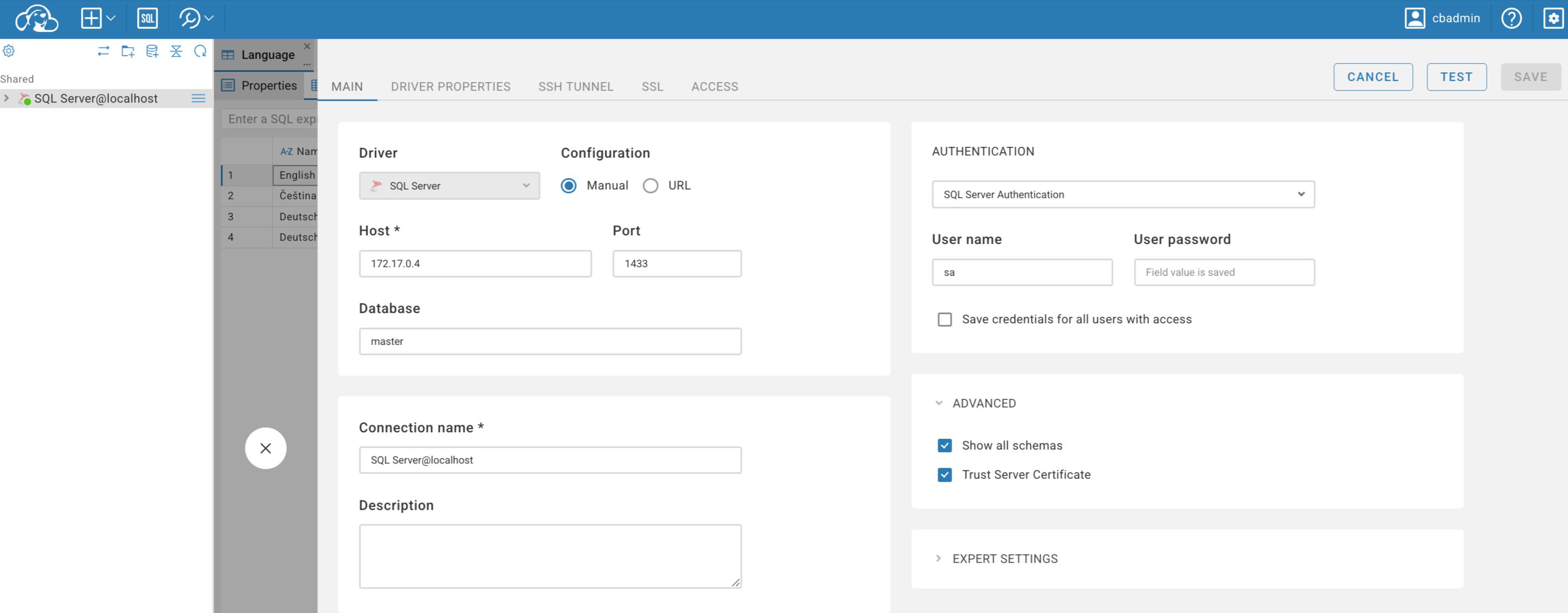
Please note that you need to address the DB Server (host) by its IP address, as using localhost with a port will probably not work in this scenario.
To get the DB Server IP address, run the following command:
docker inspect container_name (container_name = name of your container with the DB Server)
Any issues, you can consult with your favourite AI advisor 