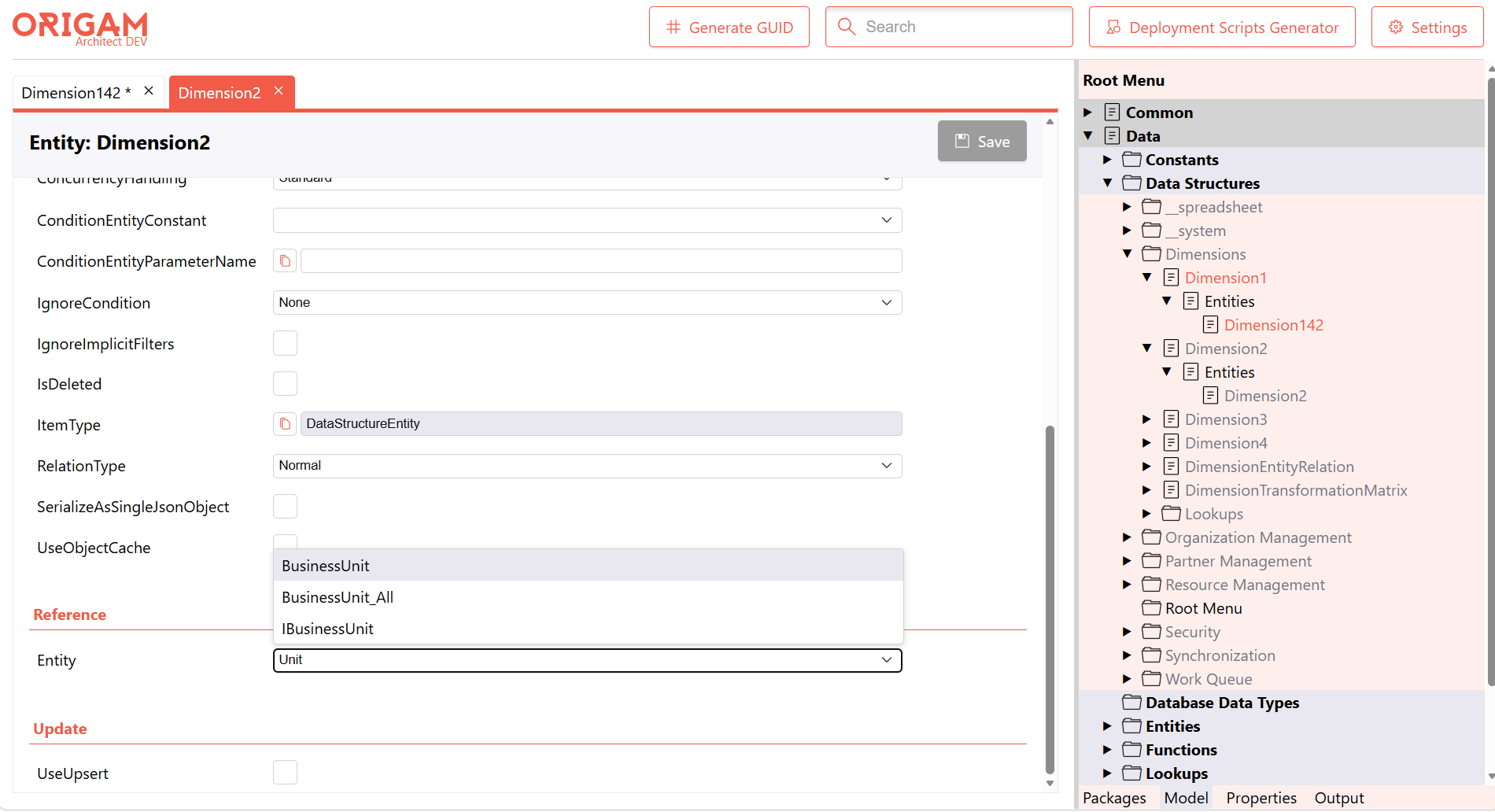
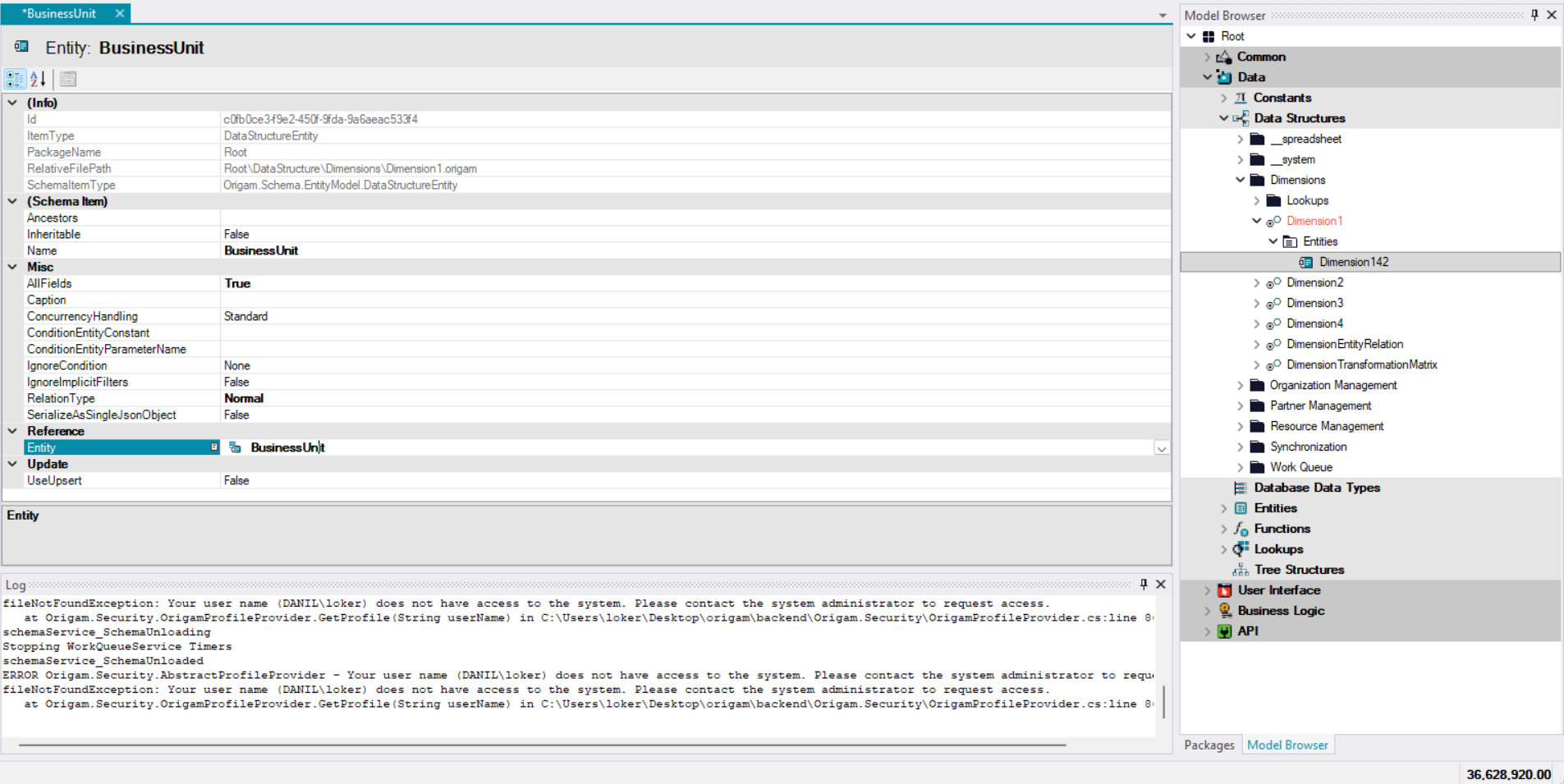
The behaviour in the desktop Architect was that the search was incremental when you started typing directly into the field, but if you opened the dropdown, it searched for the typed text anywhere in the string. Will this behave the same?
Yes, you’re right the behaviour is a bit different from the desktop Architect. But maybe the current approach is actually more convenient the user doesn’t need to remember how the field name starts they can just type any fragment they roughly recall and quickly find it.
I’ll be in the office this week and will ask Tomáš what he thinks would be best. If desktop behavior is better, I’ll switch it to match.