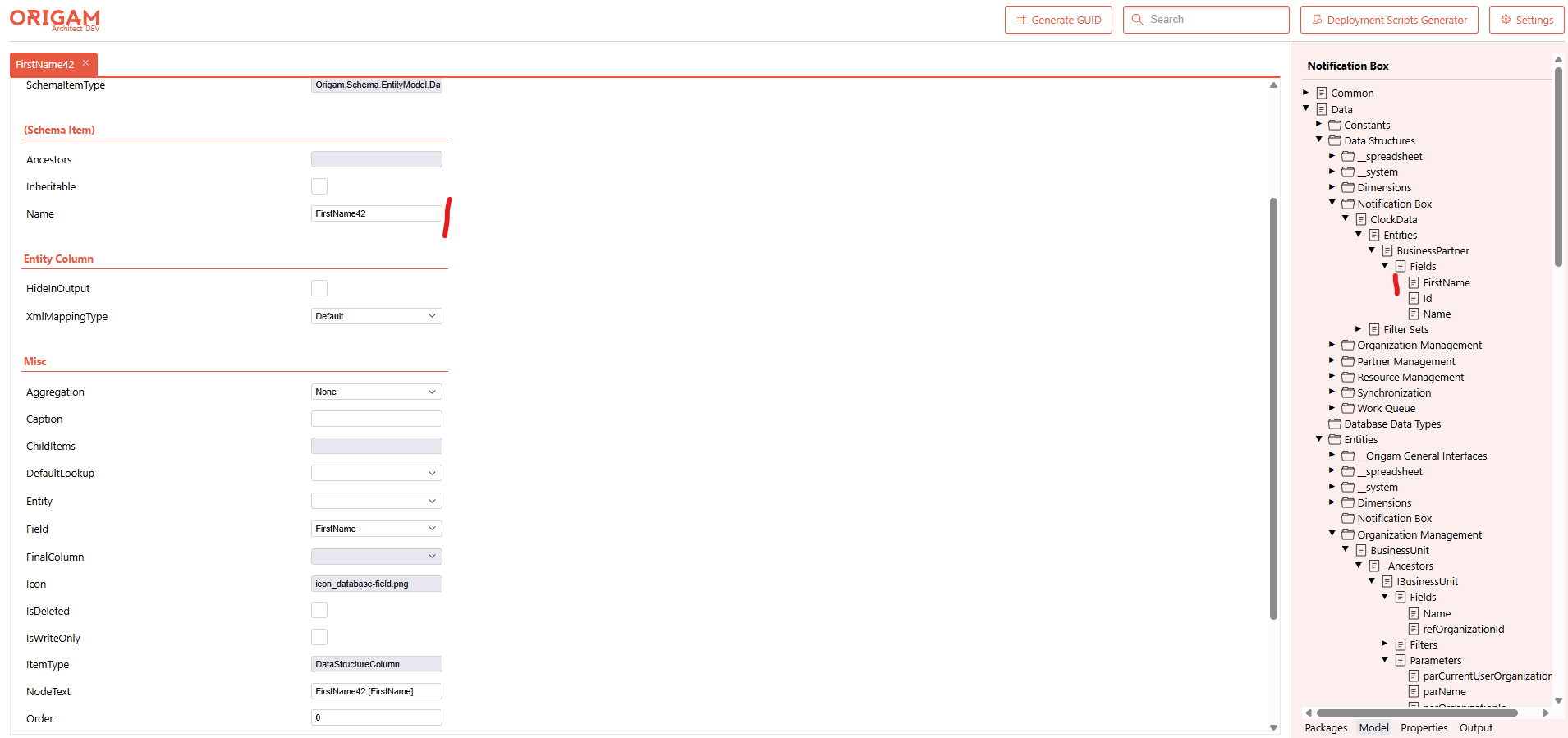
Steps to Reproduce:
-
Open HTML Architect
-
Navigate to a Data Structure column (e.g.,
FirstNameunder Notification Box → ClockData → Entities → BusinessPartner → Fields) -
Change the
Nameproperty in the property editor (left panel) -
Observe the tree view (right panel)
Expected Behavior: The node label in the Model tree should immediately reflect the updated name.
Actual Behavior: After renaming the Data Structure column, the tree node still displays the old name. The tree does not refresh to show the new value.