The 2026.6 release includes a security update (prevention of leaking internal exceptions), fix for a possible crash on Desktop Architect application start, and a big focus on the HTML Architect adding the most-used actions and a lot of various UX improvements and fixes.
Version: 2026.6.0.4302
Released on: 2026-07-06T22:00:00Z
Origam
Security
Exclude exception details from error responses (#4388)
Details about an exception were leaking in HTTP responses. They are now omitted from the response, replaced with a generic error.
Bug fixes
- Frontend: Dynamic form label in screens with multiple rows was always showing the label based on the first row (#4491)
Desktop Architect
Bug fixes
Incorrect PostgreSQL deployment scripts for OpenIddict
Deployment scripts for PostgreSQL adding OpenIddict specified that all the tables are created in the public schema. If the project has a different schema defined in the OrigamSettings.config file, these tables are scripted in a different schema than the one used by the application. It caused an error during the application start.
HTML Architect
New features
Action wizards (#4440)
The HTML Architect now supports most commonly used wizards from the Desktop Architect:
- Show SQL
- Create Lookup
- Create Screen
- Create Filter (Equal, EqualParam, Like, LikeParam, InList, Between)
- Create Workqueue class
- Create Menu Item
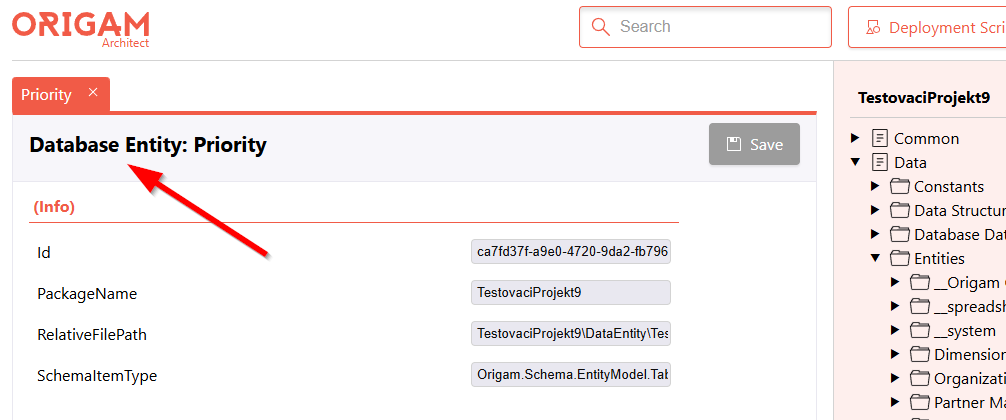
Show element type in property editor title (#4326)
This UX improvement lets you see what type of model you’re working with.
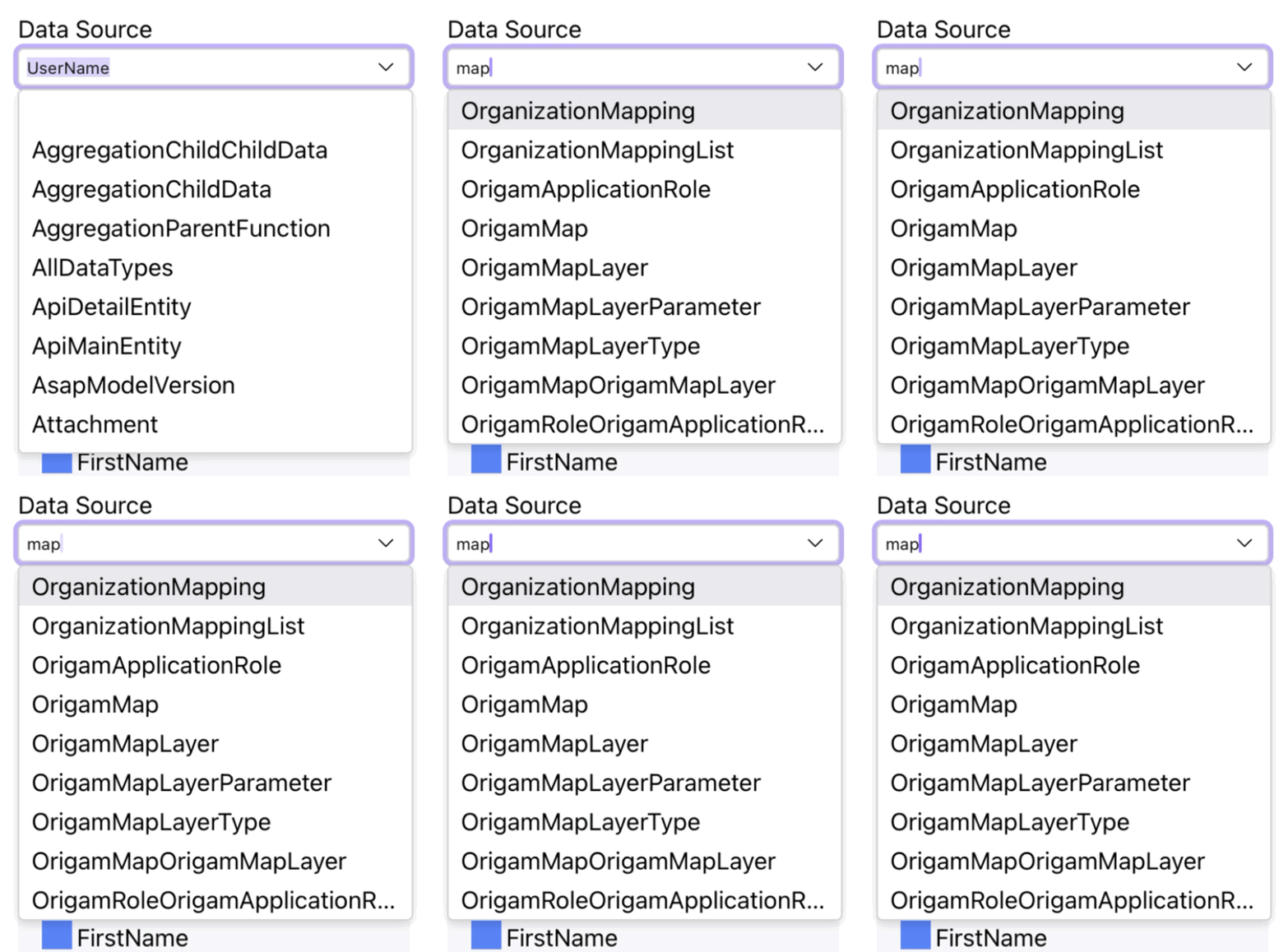
Incremental search in dropdowns (#4328)
Dropdowns now have autocomplete so you can e.g. write map and filter to results containing this text.
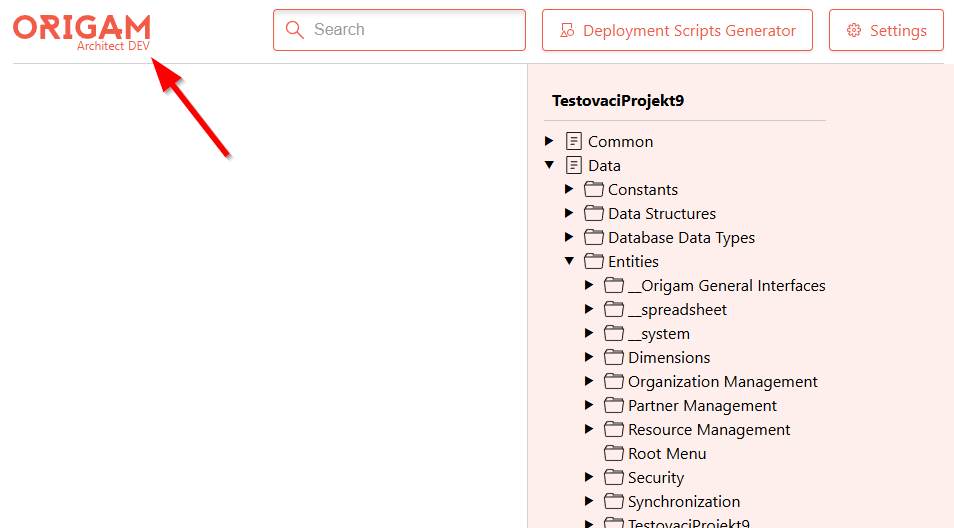
Show version in the header (#4317)
See the current version of Origam you’re running. Developer version shows DEV.
GUID generator button
You can now easily create a new GUID, which gets copied to your clipboard.

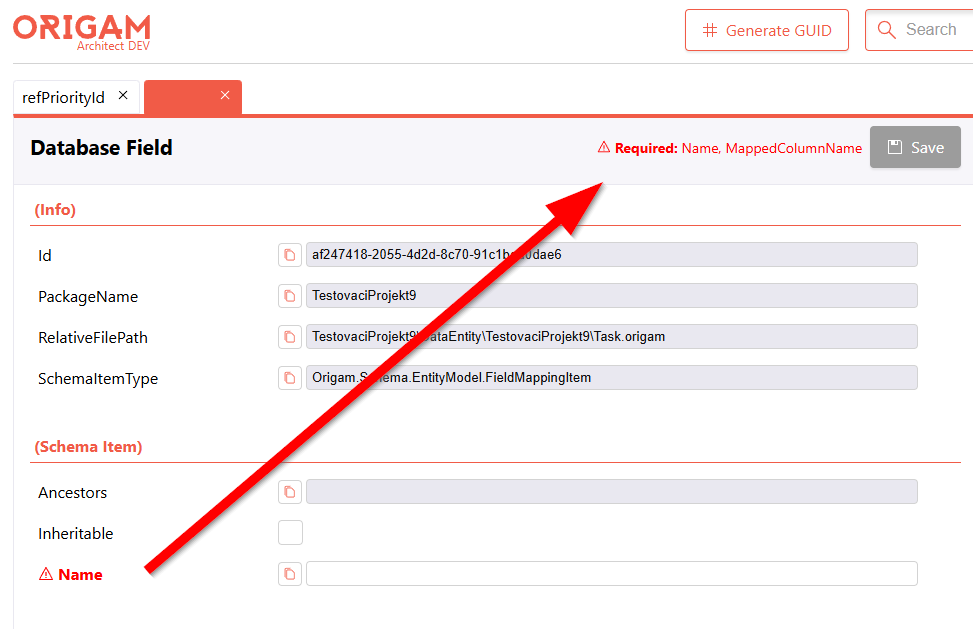
Mark required fields (#4384)
You can now see an overview of fields which are missing a value.
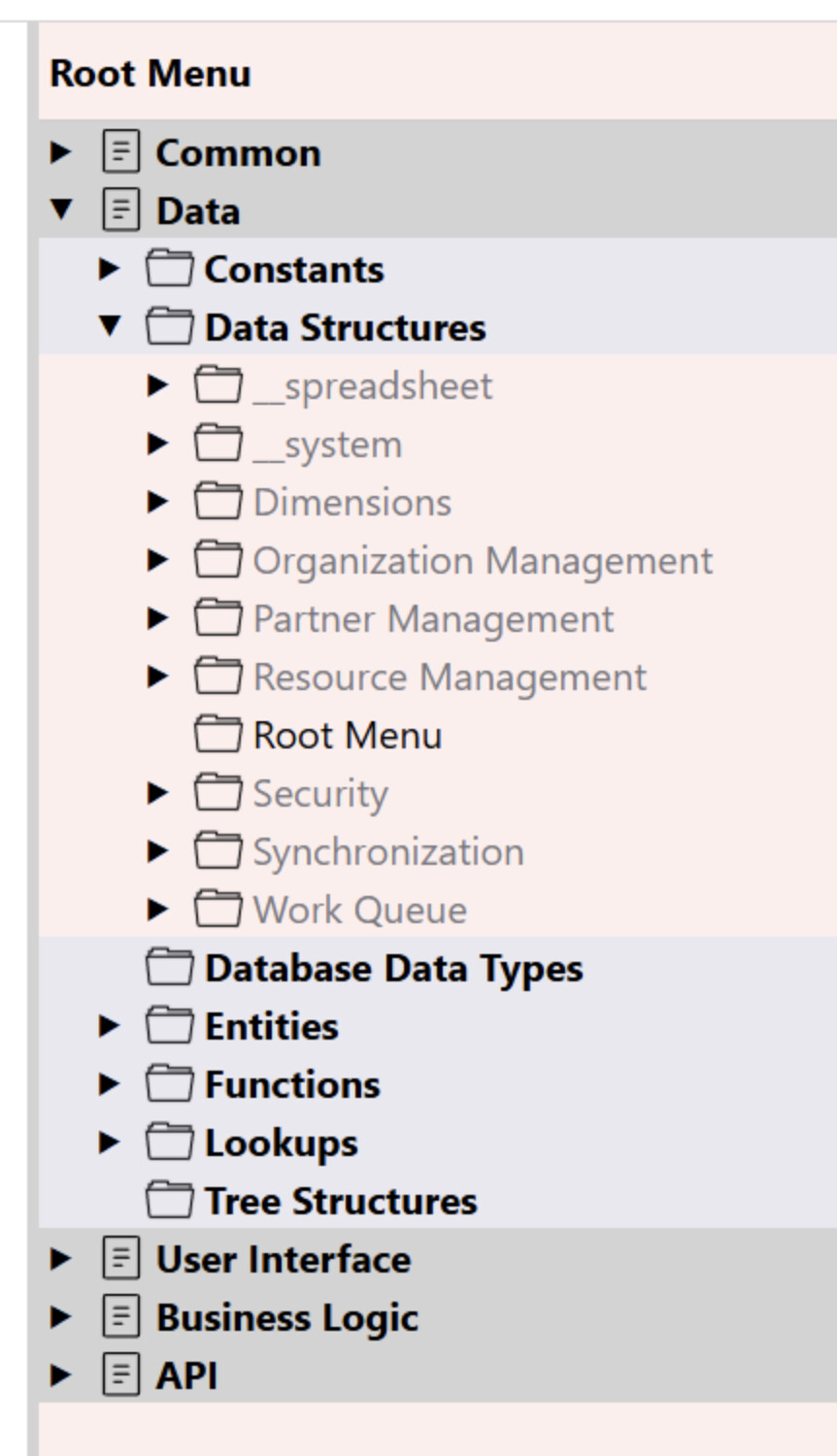
Highlight changed models in model tree (#4390)
Different node levels, nodes from different packages and elements changed in the version control system (like Git) are highlighted with background and foreground color and font thickness.
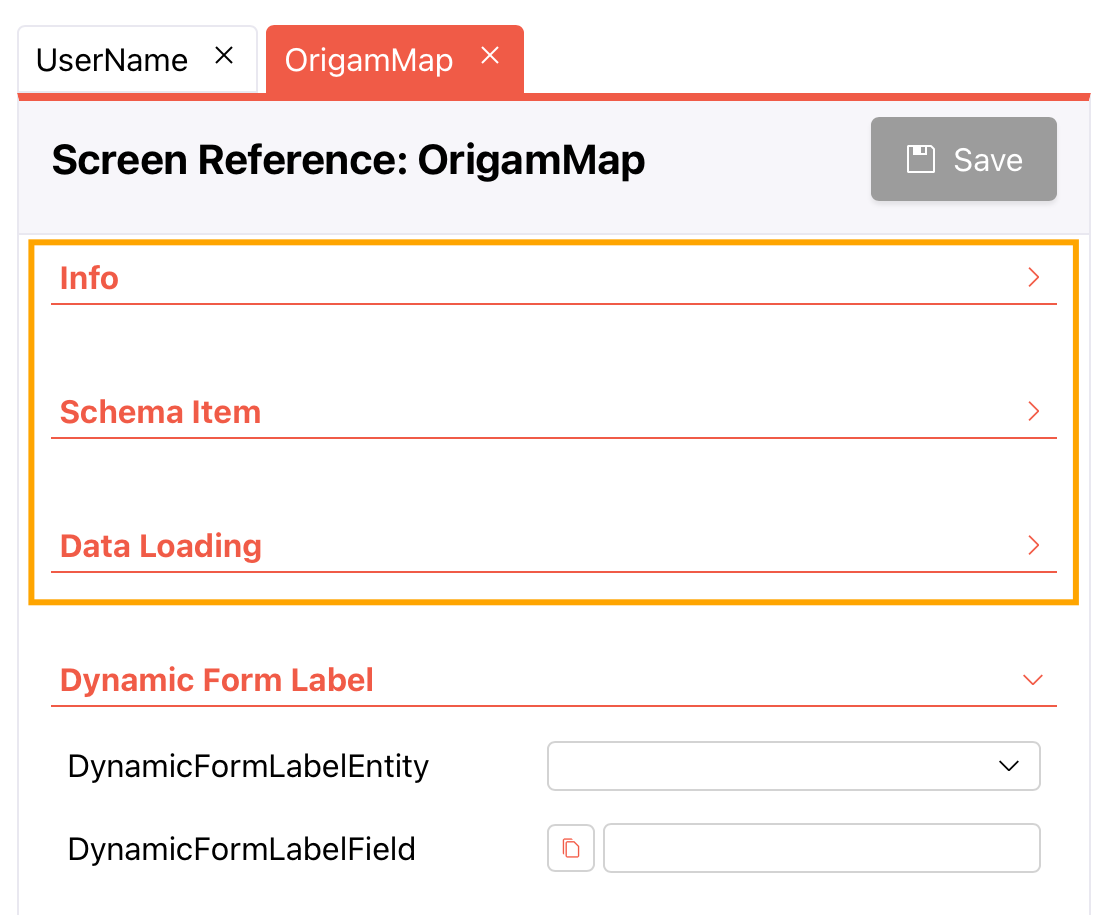
Collapsible sections in property editor (#4416)
You can now toggle (collapse/expand) each individual section, including the Info section which you often didn’t need. This helps with navigating in the property editor.
More UX improvements
- Add splitter between the model browser and editor area (#4377)
- Editor toolbar stays fixed on vertical scroll
- Inputs on the right side of the property editor now use more available space (#4371)
- Close all open tabs when switching packages (#4382)
- Unified section titles (removed parentheses around titles) (#4383)
- Auto-fill MappedObjectName and MappedColumnName from Name (#4387)
- Sticking the name panel when scrolling long property lists (#4433)
Bug fixes
- The property editor now populates the value (#4290)
- Fix for adding an entity in a data structure (#4327)
- Save button is now disabled with empty required fields (#4325)
- Linked field FinalColumn in Data Structure was not synchronized when modified by the user (#4376)
- Name in the model tree now gets updated after changing the data structure name (#4390)
- Changing any reference field (Entity, Field, RelatedEntity, Function, …) did not update dependent fields (#4409)
- Adding a new Deployment Version was throwing HTTP 500 (#4408)
- Missing space between radio button and label (#4411)
- HTTP 400 caused by incorrect rounding when adding a field to screen section (#4417)
- Screen reference creation crash (#4433)
- Removed context menu in model browser when it’s empty (#4471)
Supply chain risk mitigation (#4342, #4500)
With the increasing supply chain risks, we are tightening rules for updating our dependencies. We disallowed dependency updates released less than 24 hours ago (both for Dependabot and directly for frontend package managers), disabled silently updating the dependency lockfile, disabled running post-install scripts, and bumped up the package manager version.