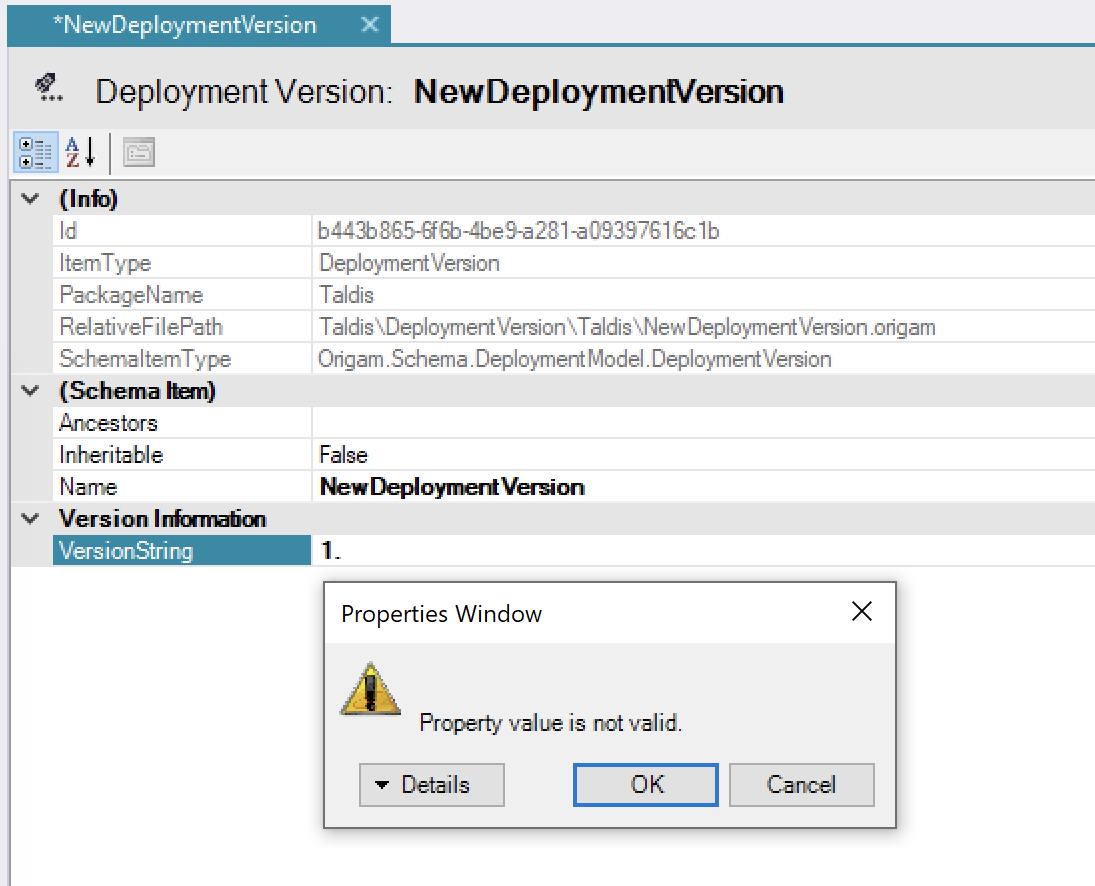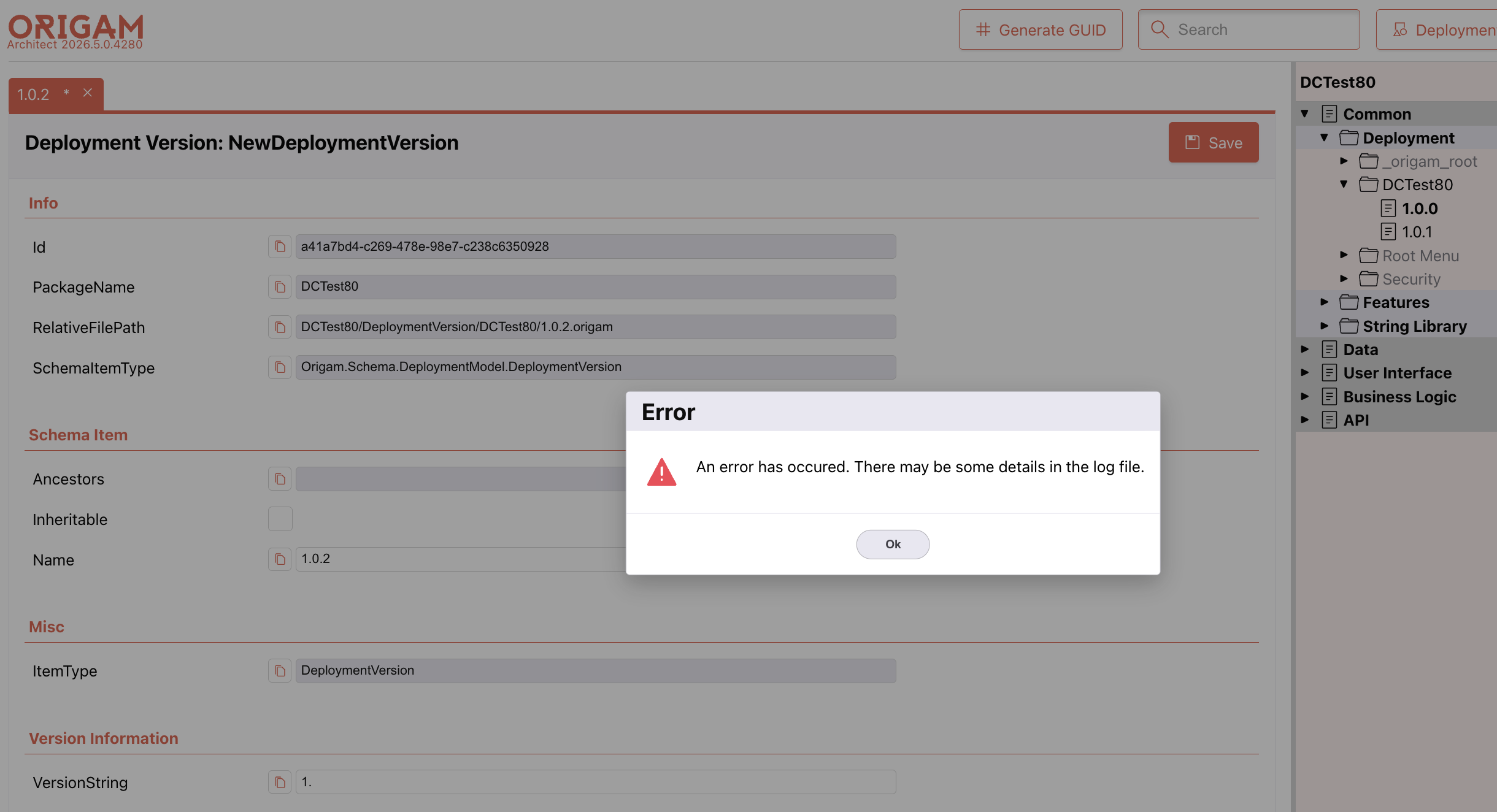
I was trying to create a new deployment version but I’ve got an error – see attached.
The error happens when filling in the VersionString field.
error2.txt (7.5 KB)
I was trying to create a new deployment version but I’ve got an error – see attached.
The error happens when filling in the VersionString field.
error2.txt (7.5 KB)
The problem is that there is invalid input in field VersionString 1.0. The desktop architect reacts to such input this way:
This is not that much helpful as well. So we need to introduce general mechanics that will show at least the name of the offending field. For example: VersionString field value is invalid.
I will cover analysis for this new mechanic, as well I will create task for it
The right approach to fix this is:
VersionStringVersionString setter so it just stores the value, although invalid (the rule will handle the error)Version property so it returns the parsed version string only if it is valid. If it is not valid, I would prefer it to return null (not 0.0).This way the production of an error message is postponed until the user tries to save the value. Also it will be safer when reading a possibly corrupted model from the file system with invalid version strings (it will not fail on loading the files).
The reason it was developed this way was we had no model consistency check and desktop Architect only showed the error after leaving the edit field. It was annoying anyway because of the generic error message in the property grid. Now that we have consistency checks, this is the right way how to handle the version string format.
Implemented, also I a little introdused some additional check rules but for Name field in DeploymentVersion
As well I changed text “Required” to “Errors”